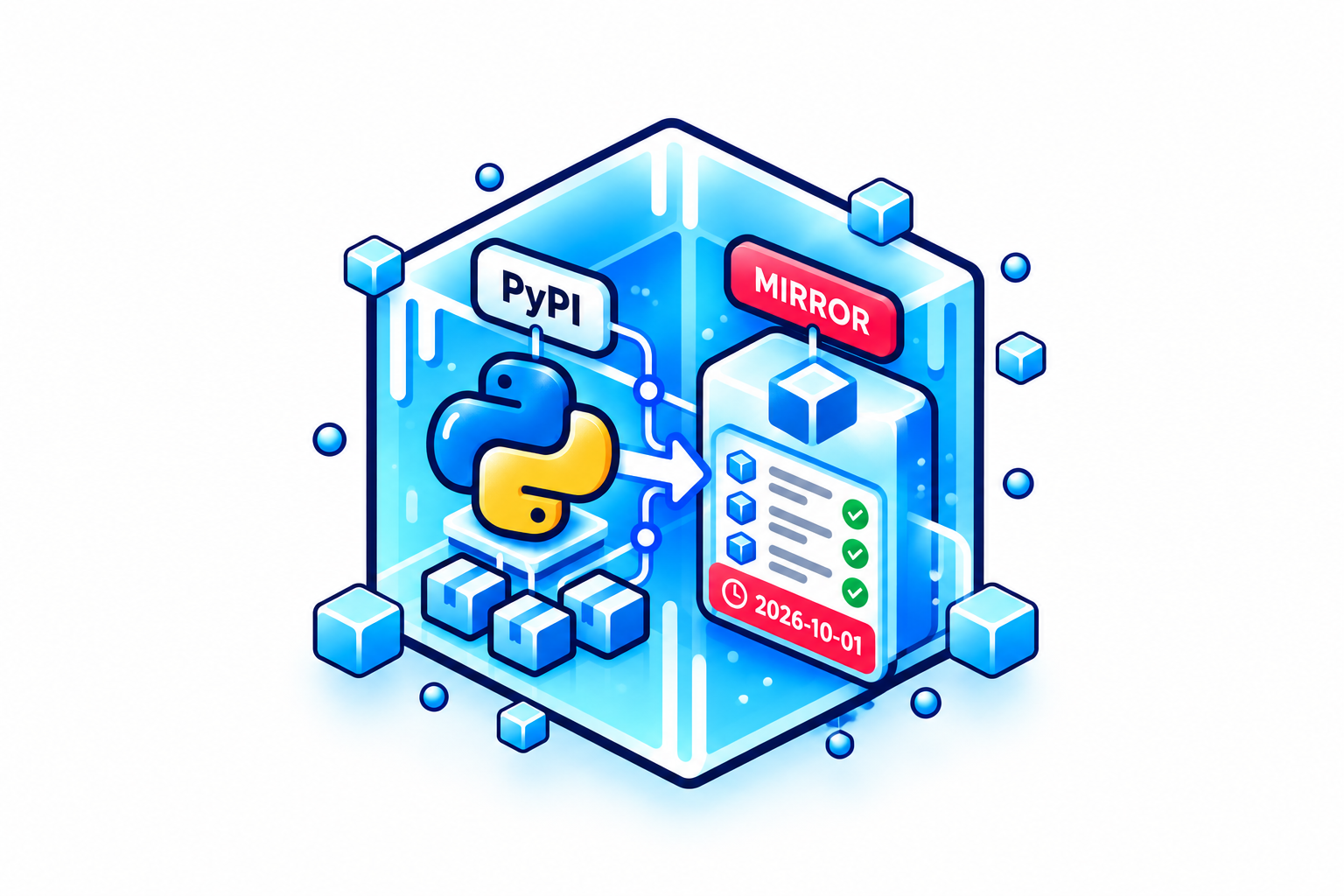
Public API keys for reproducible open-source builds
By default, StableBuild API keys are private, which works well for private builds but gets awkward quickly in an open-source project.
The Dockerfile and build configuration can be public, but anyone cloning the repository still needs credentials before they can use the same pinned packages, cached containers and other dependencies through StableBuild.
Public API keys are made to live with the project. You can commit the key to the repository, record the dependencies the build requests through StableBuild and let anyone retrieve those same dependencies without giving them access to the rest of your organization's StableBuild cache.
Record the dependencies the project needs
A public key starts out read-only. It can only serve dependencies that are on its allow-list and already cached by StableBuild.
To populate that list, you temporarily open a write window on the key and run the build once.
While the write window is open, the key behaves like a regular StableBuild API key. Every dependency requested through StableBuild during that build is added to the public key's allow-list.
Once the build has finished, close the window again.
From then on, anyone using the public key can retrieve those recorded dependencies, but they cannot use it to pull arbitrary new packages, containers or files through your StableBuild account.
StableBuild does not inspect the Dockerfile or try to work out the project's dependency graph. It simply records what the build actually requests through StableBuild while the write window is open.
One key can cover the whole build
The same public key can be used across StableBuild's different mirrors.
For example, a Dockerfile might use StableBuild for its base image, Debian packages, Python dependencies and a file downloaded from a URL:
Run the build during the write window and the dependencies requested through each of those StableBuild services are recorded for the key.
After the window closes, the public key only serves that recorded set.
Someone cloning the repository can then run the same build without needing a private StableBuild key from the maintainer. The project's other cached dependencies stay private.
Updating the allow-list
The dependency set will change eventually.
When you update the project and the build needs something new, open another write window, run the updated build and close the window again. The new dependencies requested through StableBuild are added to the key.
You can also inspect the allow-list from the StableBuild dashboard and remove individual items that should no longer be available through the public key.
Write windows can be set to close automatically after one hour, 24 hours or seven days. It is still a good idea to close the window as soon as the build has finished, because anyone with the public key can pull new dependencies through it while the window is open.
Reproducible builds need accessible inputs
The Reproducible Builds project defines a reproducible build around the same source code, build environment and build instructions producing the same output. The project notes that relevant parts of the build environment usually include dependencies and their versions.
For an open-source project, those inputs also need to be available to the people rebuilding it.
A Dockerfile can pin a package version or refer to a specific container, but if the published build configuration points to StableBuild using a private key, contributors still need credentials to retrieve those dependencies.
A public StableBuild key gives the project a way to carry that access with the build configuration itself. Contributors and downstream users can retrieve the dependency set recorded for the project without being given access to the organization's private StableBuild key or the rest of its cache.
Public API keys do not make every part of a build deterministic. Builds can still depend on timestamps, environment differences and plenty of other things outside StableBuild. They solve a narrower problem: making the dependencies you preserve through StableBuild available to the people who need to reproduce the project.
A public key still belongs to your account
Traffic through a public API key is counted as usage for the organization that created it.
On the Community plan, public builds use the organization's existing monthly traffic allowance, and the normal monthly traffic limit still applies.
You can keep an eye on that traffic under Billing > Raw usage logs, where each request shows which API key was used.
That also makes it possible to see how a public key is being used after you publish it with a project.
If you maintain an open-source project and want contributors to build against the same pinned dependencies, you can create a StableBuild account, add a public API key and record the project's dependencies by running the build during a write window.
For the full setup steps, see the Public API keys documentation.